Registry Editor has been Disabled
posted by: Dennis Aguilar
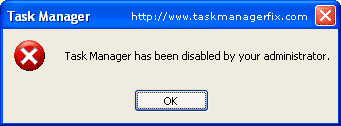
Recently in my post about Task Manager Enabler, i mentioned that as soon as i installed one software i downloaded from the internet i noticed that my Task Manager had been disabled by that software, maybe because of the virus embedded on that software. Also, i found out that my registry editor had been disabled when i was going to fix the task manager, and got an error message like this ” Registry Editing has been disabled by your Administrator “.
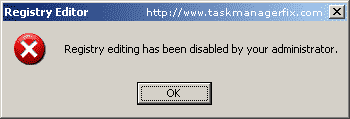
So above image is the error that will pop-up once registry editor has been disabled. As i mentioned, usually it is caused by the virus. You can also encounter this error in Internet Cafe when the administrator really restricted the registry, or maybe in your company. Of course, there are settings in registry to enable and disable registry but how will you do it when the registry itself has been disabled. Obviously, you can just do it to disable the registry.
So, how will you enable the registry editor easily with a click of a button?
I found a software from one site and it is called Registry Fix .
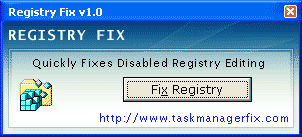
I found it here at www.taskmanagerfix.com for free download, you can also download the software to enable task manager as i mentioned in my recent post – task manager enabler
You might also like
|
|
|
|
|